 Koma
KomaNative screen recording and automatic camera editing for macOS
From raw recordingto polished demo.
Built for product demos, tutorials, and ideas worth explaining. Capture your screen, voice, and camera, then refine pacing, automatic camera movement, and captions.
macOS 15+ · Apple Silicon · 16.5 MB
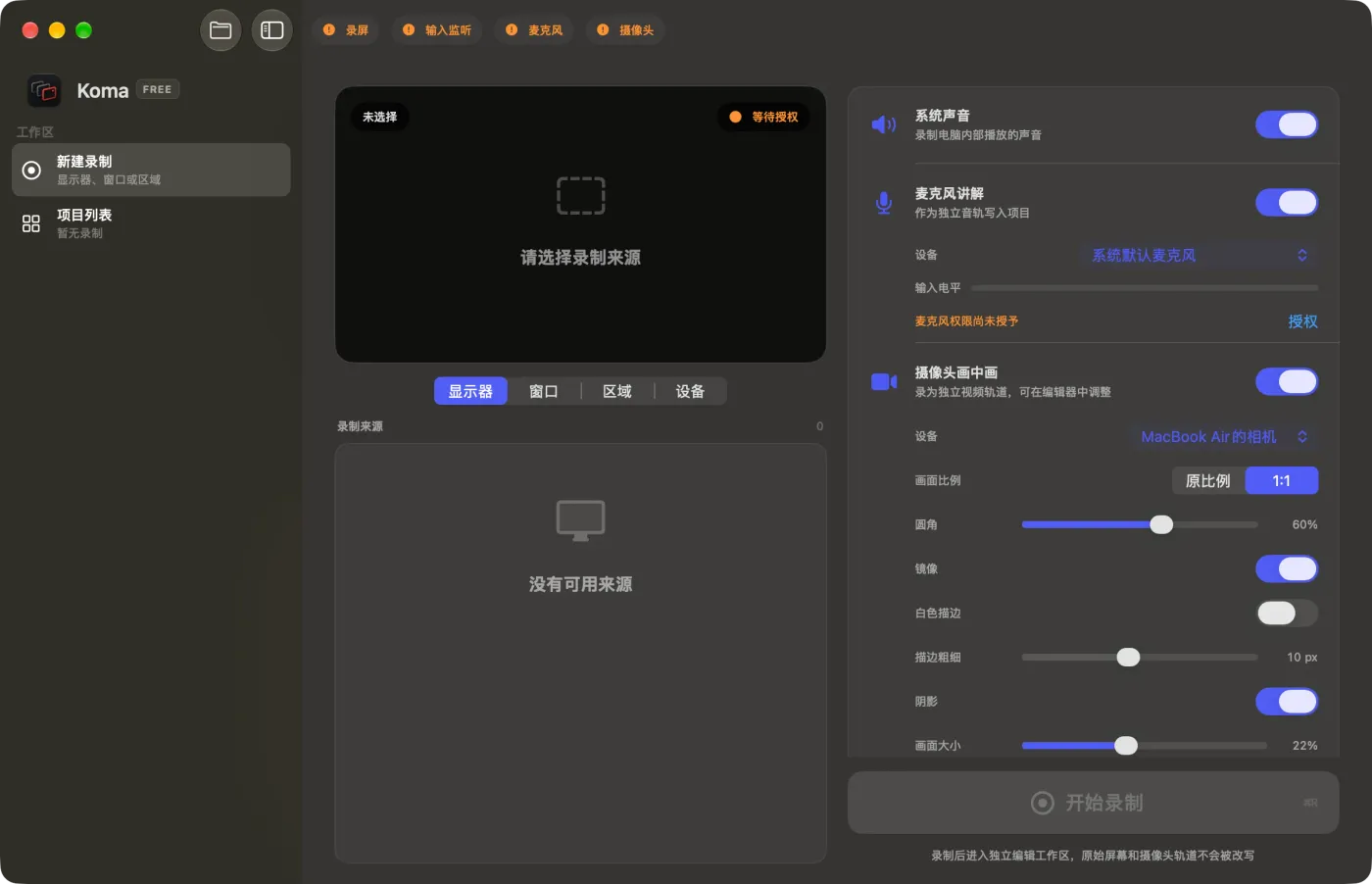
Capture everything that matters.
Record a full display, window, custom region, or USB-connected iPhone or iPad. Bring in system audio, microphone, and camera when the demo needs context—not just pixels.
Camera movement that follows your flow.
Intelligent camera algorithms track clicks and points of interest automatically. After recording, every zoom level, virtual pointer style, and motion blur setting remains fully adjustable.
Auto Zoom follows clicks and the focus of each action
Virtual pointer with adjustable size and click effects
Drag the camera frame and refine every move after recording
Directional motion blur keeps camera movement natural
Interactive illustration using a real screenshot, not a live app preview.
Studio-grade device mockups.
Transform raw recordings into polished product showcases with iPhone, MacBook Air, MacBook Pro, and Studio Display frames. Choose colors, set Fit or Fill, and let landscape footage adapt seamlessly.
Choose a model and color, then fit the recording inside it.
iPhone models and high-precision desktop frames
MacBook Air, MacBook Pro, and Studio Display
Multiple device colors, Fit / Fill, and automatic landscape adaptation
Clean pacing, seamless privacy.
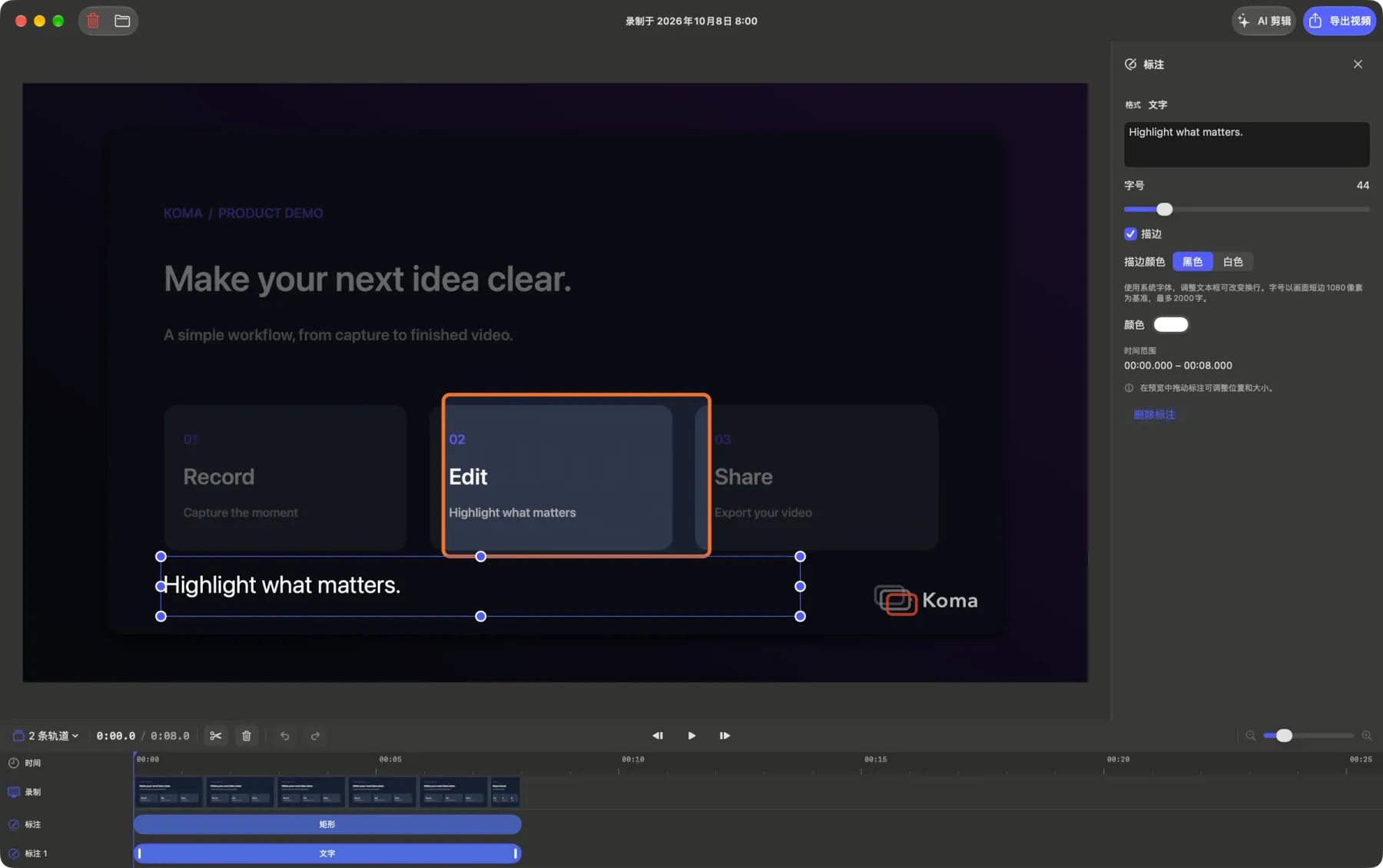
Trim pauses, adjust playback speed from 0.5× to 4×, add captions and annotations, and conceal sensitive details with mosaic. Video, audio, camera moves, and subtitles remain synchronized.
Trim pauses and adjust selected clips from 0.5× to 4×
Text, arrows, rectangles, circles, dimming masks, and mosaic
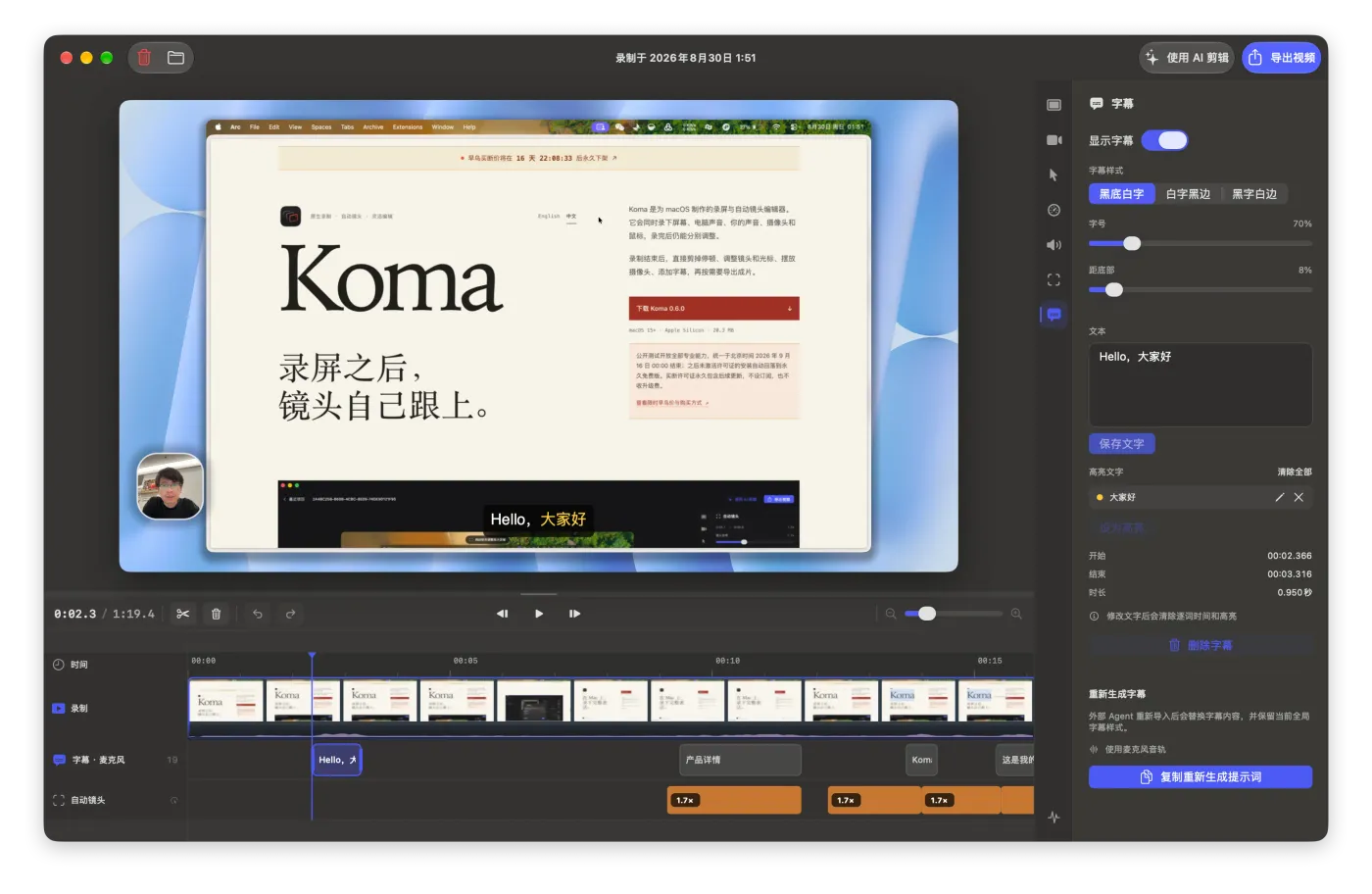
Edit caption text and timing without losing synchronization
Audio tracks, camera moves, cursor, and captions follow the timeline
05 / AI assistant
Scriptable editing with external Agents.
Connect Claude Code, Codex, or other external agents via the free Koma CLI. Using your own local transcription tools, prepare captions, detect pauses, adjust clip speeds, and coordinate camera moves.
Inspect and verify the editing plan before applying it, then return to Koma to export the final video. AI tools, transcription utilities, and their associated fees are not included in a Koma license.
Claude Code · Codex · Agent CLI
“Trim the pauses, keep the explanation, and focus on the action.”
- Read the project and existing captions
- Suggest cuts for silent sections
- Coordinate clips and camera movement
Preview the plan. Confirm before applying.
Workflow illustration only. This page does not run an AI model or edit your projects.
Finish in Koma. Every detail under your control.
When you are ready, export your canvas, device frame, background, captions, camera paths, pointer, and annotations with the ideal resolution and frame rate for your project.
- Free
- Up to 1080p · 30 fps · H.264 · Koma watermark
- Pro trial / licensed features
- Up to 4K · 60 fps · H.264 / HEVC · No watermark
- Creative limits
- No limit on recordings, manual edits, projects, exports, or video length
Version 0.14.4
Your next great demo starts here.
Download Koma 0.14.4macOS 15+ · Apple Silicon · 16.5 MB
View SHA-256 checksum